
November 24, 2025
The holiday season can be overwhelming, and the last thing you want is technology adding to the chaos. With customers rushing to complete last-minute errands and employees balancing family commitments, expectations are sky-high. Avoid unnecessary tech glitches that could irritate everyone.
Consider this your ultimate Holiday Tech Etiquette Manual — because no business wants to be known as the one that ruins someone's day.
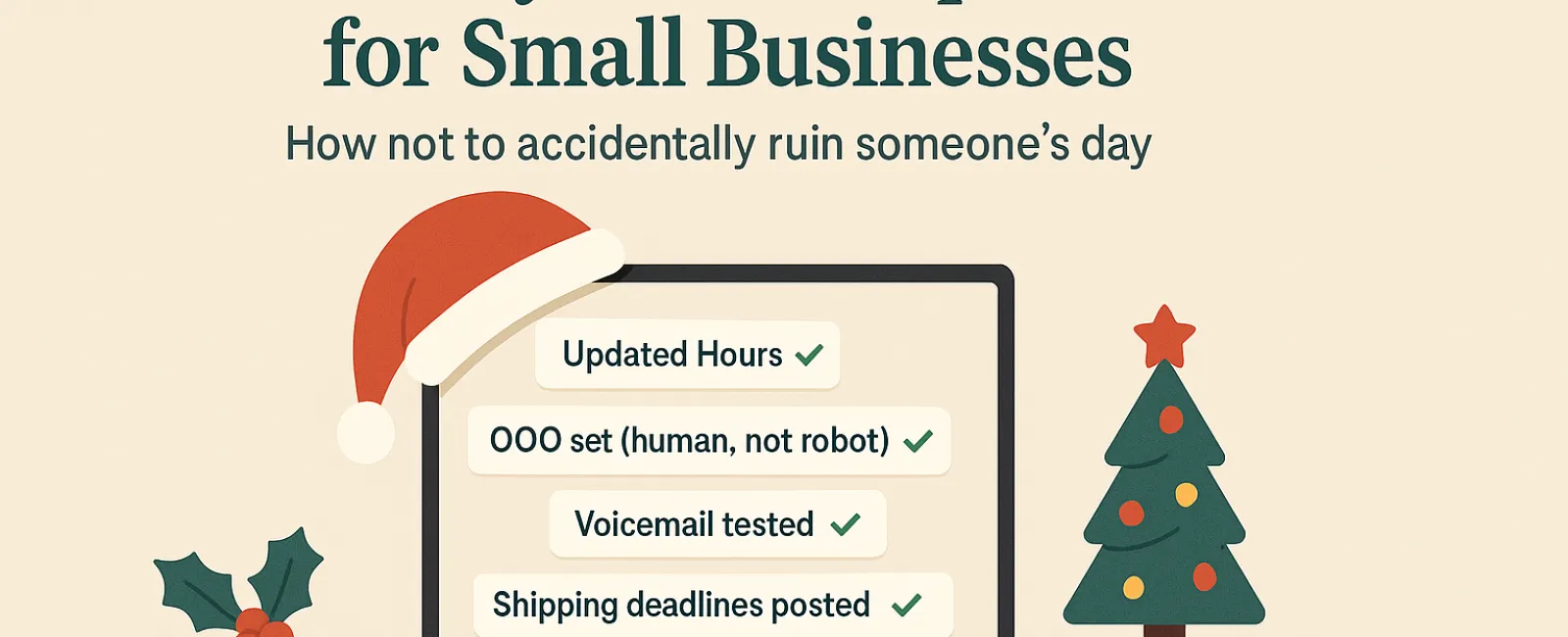
1. Update Your Online Business Hours Before the First Complaints Arrive
Imagine a customer making a special trip during their break because your Google listing says you're open—only to find the doors locked and the lights off. Don't be the business that sparks frustration through outdated information.
Where to update:
- Your Google Business Profile (essential!)
- Social Platforms: Facebook, Instagram, Yelp — wherever customers look for you
- Your website banner with clear holiday hours
- Apple Maps (more popular than you think)
Example message: "Happy Holidays! We'll be closed from Thursday, Nov. 28 to Sunday, Dec. 1 to celebrate with our loved ones. Regular hours resume Monday morning—probably a bit tired but ready to assist!"
2. Craft Warm, Human Out-Of-Office Replies
Taking time off? Don't leave customers guessing if you're gone forever. Your auto-reply should be a welcoming, professional hello—not a robotic dead-end.
Sample out-of-office reply: "Thanks for your message! Our office is closed for Thanksgiving from Nov. 28 to Dec. 1. We'll get back to you as soon as we're back and fully recharged. For urgent matters, please call (XXX) XXX-XXXX. Warm holiday wishes to you and yours!"
3. Keep Out-Of-Office Messages Simple and Secure
No need to share detailed travel plans or personal stories in your auto-reply. Customers only need to know when you'll respond and who they can contact if necessary.
Oversharing not only overwhelms readers but can also pose security risks. Save the fun journey updates for your social media channels.
4. Test Your Phone System to Avoid Customer Frustration
During the busy season, callers are often in a hurry and stressed. Ensure your voicemail matches your current hours and provides clear guidance without confusion.
Pro Tip: Dial your own number and listen carefully—you might find your greeting is outdated or unclear.
Example voicemail: "Thank you for calling [Business Name]. We're currently closed for the holiday weekend. Please leave a message, and we will return your call Monday morning. For urgent help, press 1 to reach our on-call team. Happy Holidays and thank you for your patience!"
5. Announce Shipping Deadlines Early to Prevent Last-Minute Hassles
If your business ships products, make sure your customers know all ordering deadlines ahead of time. Clearly post cut-off dates online and send reminder emails to avoid delivery disappointments.
Late packages cause frustration, but unmet expectations can damage trust. No one wants to explain why a special gift arrives late.
The Key Takeaway: Thoughtful Tech Etiquette Equals Happy Customers
Holiday technology etiquette is straightforward: be clear, communicate warmly, and respect your customers' time. Just a few proactive steps can save headaches and keep your reputation shining bright.
Remember, your goal isn't only to dodge problems—but to ensure your customers feel valued and supported, even when you're on break.
Want expert advice to keep your systems running smoothly and your customer experience exceptional this holiday season? Call us at 610-628-2461 or click here to book your free IT Clarity Call. Let's explore simple strategies to keep your business thriving while you enjoy well-earned time off.


